
Download ToolRocket PDF Converter – PDF converter, document tool, mobile utility, PDF to Word, PDF to Excel, PDF to image, PDF editing, document conversion
Overview
ToolRocket PDF Converter es una utilidad móvil diseñada para simplificar la conversión y gestión de documentos en dispositivos Android. La aplicación sirve como una herramienta práctica para usuarios que con frecuencia necesitan transformar archivos PDF a formatos editables como Word, Excel o archivos de imagen. Al ofrecer funciones de conversión esenciales directamente desde un smartphone o tablet, aborda el desafío común de acceso limitado a software de escritorio mientras se está en movimiento. Esto la hace particularmente útil para estudiantes, profesionales y trabajadores remotos que dependen de un procesamiento rápido de documentos sin necesidad de una configuración completa de computadora.
La aplicación está dirigida a personas que buscan una solución ligera y accesible para manejar PDFs en flujos de trabajo diarios. Ya sea convirtiendo un contrato escaneado en un documento Word editable, extrayendo datos de una hoja de cálculo PDF a Excel, o guardando una página PDF como una imagen de alta calidad, ToolRocket PDF Converter agiliza estas tareas con un esfuerzo mínimo. Su enfoque en funciones esenciales garantiza que los usuarios no se vean abrumados por características innecesarias, promoviendo una experiencia simplificada para el uso cotidiano.
Como una aplicación móvil centrada en la productividad, ToolRocket PDF Converter contribuye al creciente ecosistema de herramientas de documentos en el dispositivo que mejoran la eficiencia digital. Aunque el desarrollador, ToolRocket, no ha proporcionado información adicional sobre su empresa o productos previos, el lanzamiento de la aplicación sugiere un esfuerzo dirigido a satisfacer la creciente demanda de soluciones de procesamiento de documentos móviles. Su disponibilidad como herramienta gratuita respalda aún más la accesibilidad, convirtiéndola en una opción viable para usuarios en diversos entornos profesionales y académicos.
Key Features & Functionality
- PDF to Word Conversion: Convert PDFs into editable Microsoft Word documents, preserving text formatting and structure for easy editing and sharing.
- PDF to Excel Conversion: Transform tables and data from PDFs into editable Excel spreadsheets, ideal for extracting financial reports, invoices, or survey results.
- PDF to Image Export: Save individual pages or entire documents as high-resolution PNG or JPEG files for use in presentations, social media, or digital archives.
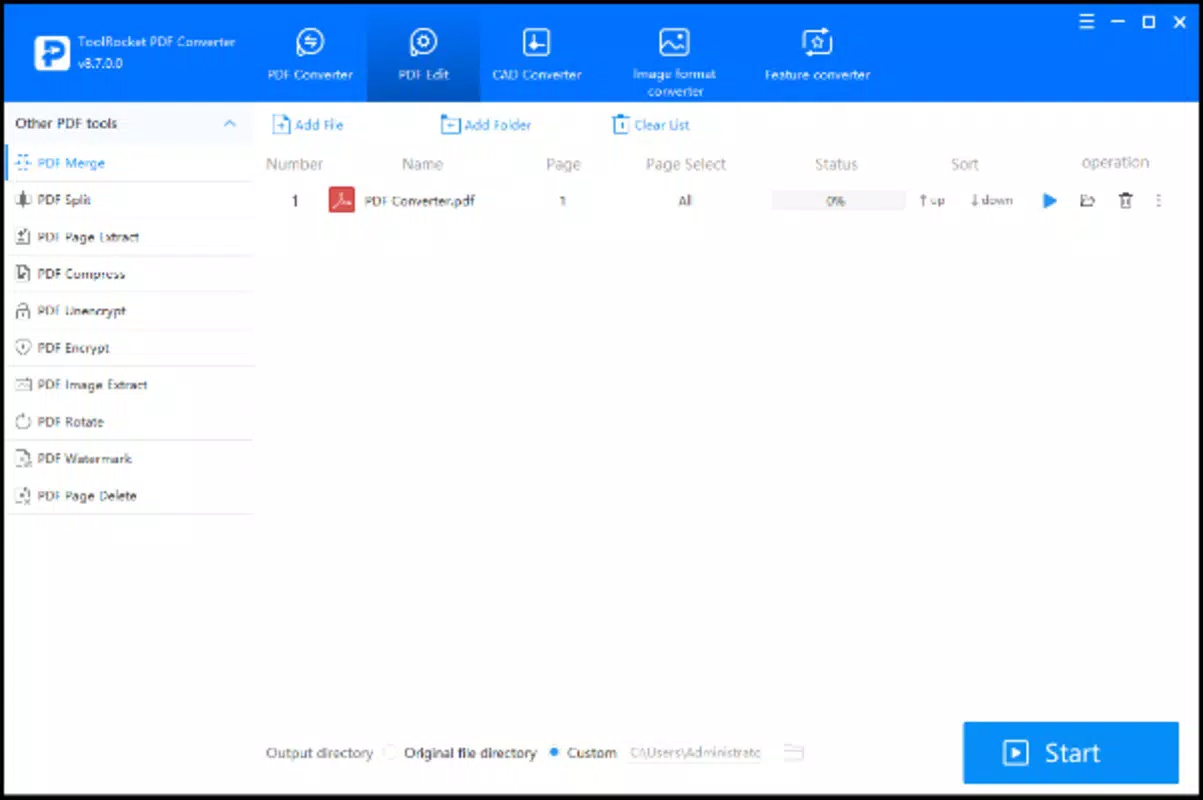
- Basic PDF Editing: Perform essential edits such as adding text, annotations, or redactions directly within the app, enhancing document usability on mobile.
- Multi-Format Support: Accepts a wide range of PDF inputs and outputs multiple file types, increasing versatility across different use cases.
Each feature is designed with real-world scenarios in mind. For example, a student can convert a lecture PDF into a Word document to add personal notes and study efficiently. A real estate agent might extract property details from a PDF brochure into Excel for comparison. A freelancer could convert a client’s PDF invoice into an image for quick sharing on messaging apps. These practical applications demonstrate how the app enhances productivity by enabling document manipulation anytime, anywhere.
The integration of multiple conversion types within a single interface reduces the need for switching between apps or relying on cloud-based services. This not only improves workflow efficiency but also supports data privacy by keeping files local to the device. The app’s focus on core functionality ensures that users can accomplish their tasks without unnecessary complexity or hidden costs.
Interface, UX & Performance
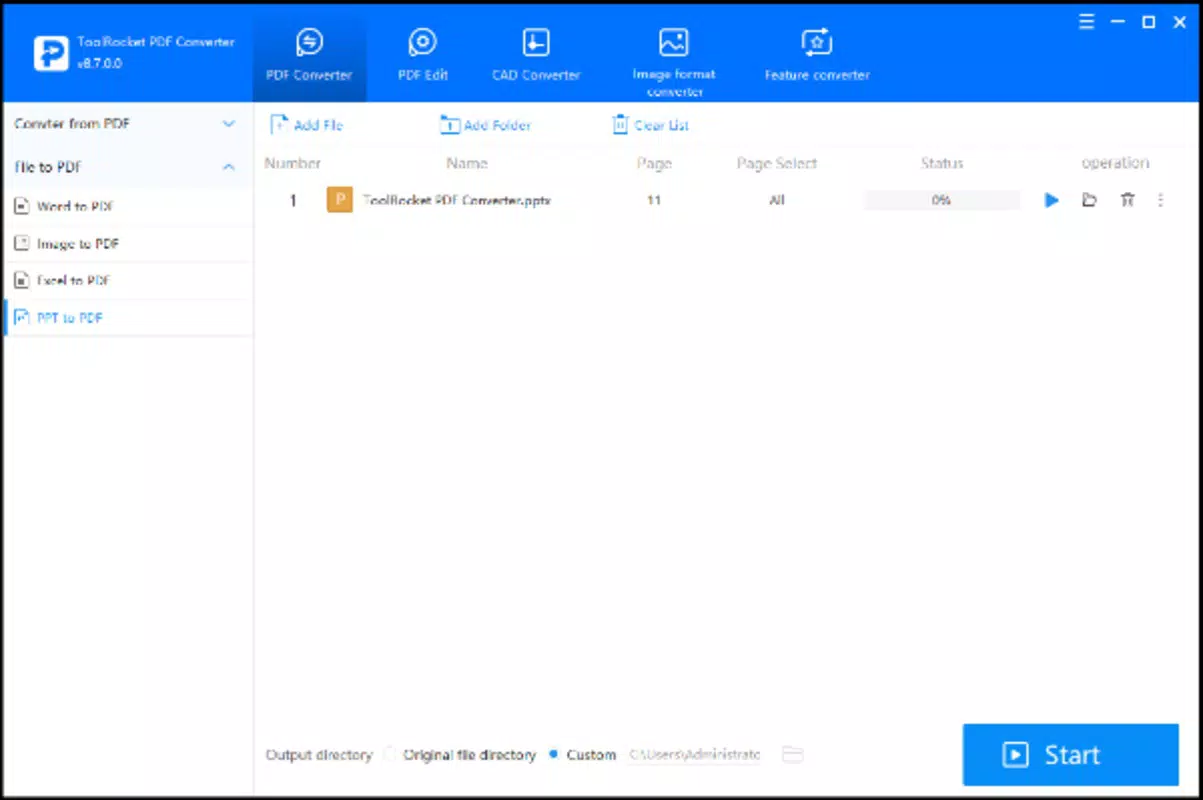
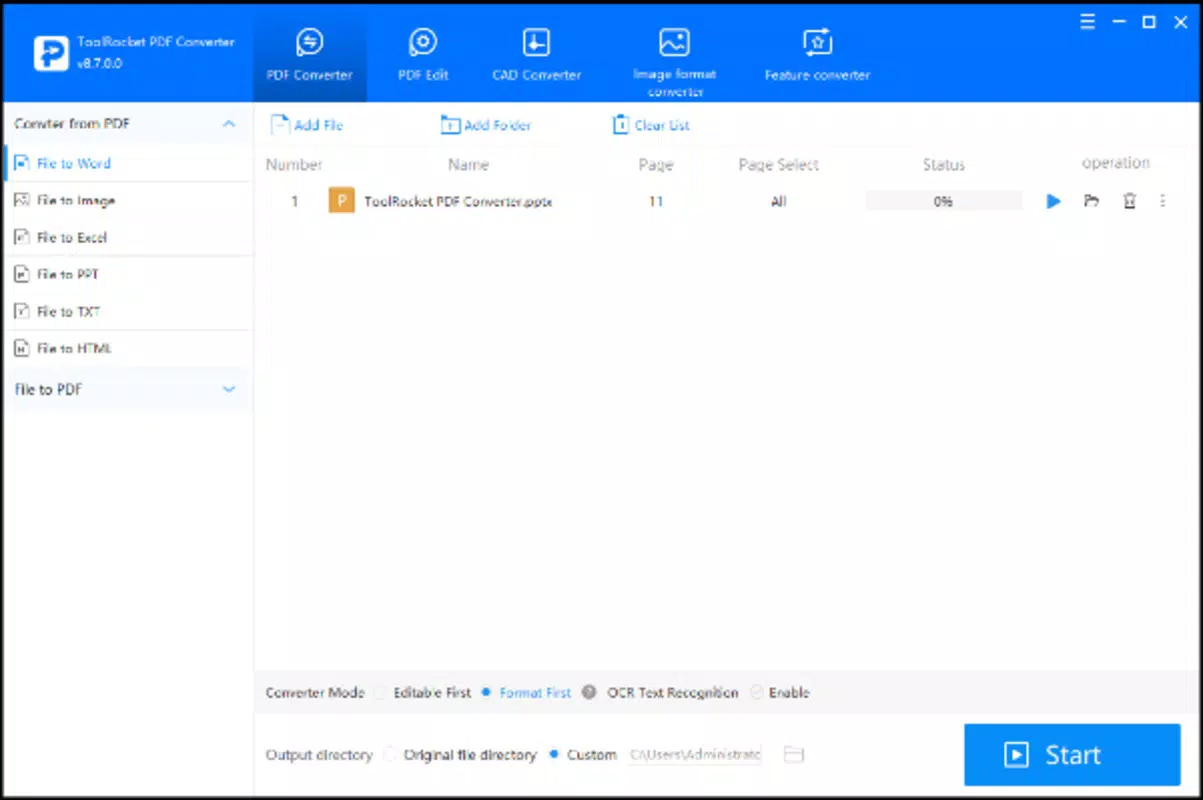
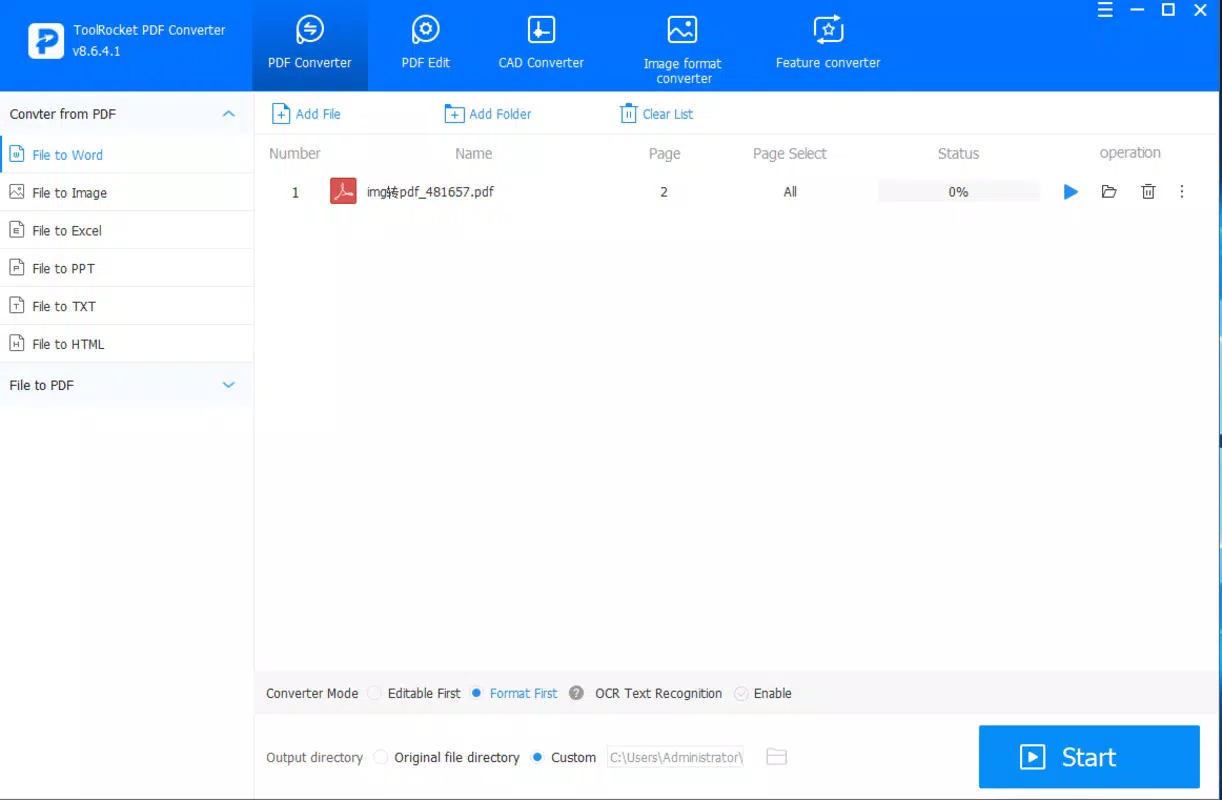
ToolRocket PDF Converter features a clean, intuitive interface optimized for Android touchscreens. The layout prioritizes accessibility, with clearly labeled buttons and a logical flow from file selection to conversion output. Users can navigate through the app with minimal friction, making it suitable for both tech-savvy individuals and those less familiar with mobile document tools.
Visual design is minimalistic, emphasizing functionality over decorative elements. The color scheme and iconography are consistent, contributing to a professional and reliable appearance. Navigation is straightforward: users select a PDF file, choose the desired output format, and initiate the conversion with a single tap. Progress indicators are visible during processing, providing real-time feedback on conversion status.
Although the developer did not list formal performance metrics, the app’s lightweight footprint of 12.3 MB suggests efficient resource usage. It is expected to run smoothly on mid-range and high-end Android devices, with minimal impact on battery life and system memory. Responsiveness appears to be consistent across screen sizes, though compatibility with older Android versions was not disclosed. Stability during file processing has not been reported, but the absence of complex features reduces the likelihood of crashes or errors during standard operations.
Platform Compatibility & Technical Requirements
ToolRocket PDF Converter is available exclusively on the Android platform. The app requires Android OS version 6.0 or higher, though the developer did not specify minimum OS requirements in detail. It is compatible with a wide range of Android smartphones and tablets, including devices with varying screen sizes and hardware capabilities.
The application has a file size of 12.3 MB, which is considered small and efficient for a mobile utility app. This size indicates that the app is optimized for quick downloads and minimal storage usage, making it accessible even on devices with limited internal memory. No additional system resources or permissions beyond standard file access are required for core functionality.
While the developer did not provide information on supported file types or maximum PDF size limits, the app’s design suggests it can handle standard PDF documents commonly used in personal and professional settings. Specific requirements for storage space during conversion were not listed, so users should ensure sufficient free space when processing large files.
Pros and Cons
Pros
- Free to download and use, eliminating cost barriers for users.
- Lightweight size (12.3 MB) ensures fast installation and minimal storage impact.
- Supports multiple conversion formats including Word, Excel, and image files.
- Designed with a simple, user-friendly interface for easy navigation.
- Enables on-device processing, enhancing privacy and reducing reliance on cloud services.
Cons
- Specific performance metrics and device compatibility details were not provided.
- Advanced editing features or batch processing are not confirmed.
- Developer did not disclose file size limits or supported PDF types.
- Updates and future feature roadmap remain unclear.
- No information on in-app purchases or ads was shared.
FAQ
Is ToolRocket PDF Converter safe to download?
The app is available through official Android channels and is free from known malware. As with any third-party utility, users should ensure they download from trusted sources.
Can I convert large PDF files with this app?
The developer did not specify maximum file size limits. Users are advised to test with moderately sized files first and ensure sufficient device storage.
Does the app require internet access?
Basic conversion functions appear to be performed locally on the device, suggesting no mandatory internet connection is needed. However, optional features may require connectivity.
Is the app available on iOS?
Currently, ToolRocket PDF Converter is only available for Android devices. No iOS version has been announced.
How often is the app updated?
Release date information was provided, but the update frequency is not disclosed. Users should check the app store for the latest version.
Final Thoughts
ToolRocket PDF Converter delivers a focused, practical solution for users who need reliable document conversion on Android. Its ability to transform PDFs into Word, Excel, and image formats with minimal steps makes it a valuable addition to any mobile productivity toolkit. The app’s lightweight design, free access, and on-device processing offer significant advantages in terms of speed, privacy, and convenience.
While it lacks advanced features like batch conversion or extensive editing tools, its simplicity ensures a smooth experience for everyday tasks. The target audience—students, freelancers, and professionals—will benefit most from its straightforward functionality and ease of use. For those seeking a secure, efficient, and accessible PDF conversion tool, this app stands out as a solid choice in the mobile productivity space.
Download ToolRocket PDF Converter now


